1
Open it on your iPhone
It starts looking the moment it opens. No codes, nothing to pair, nothing to type in.
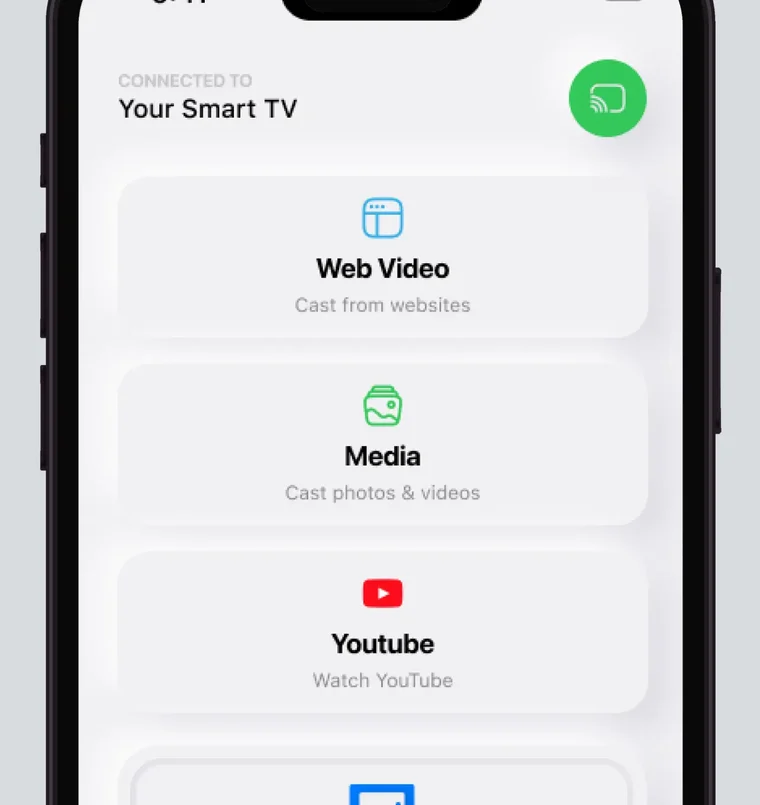
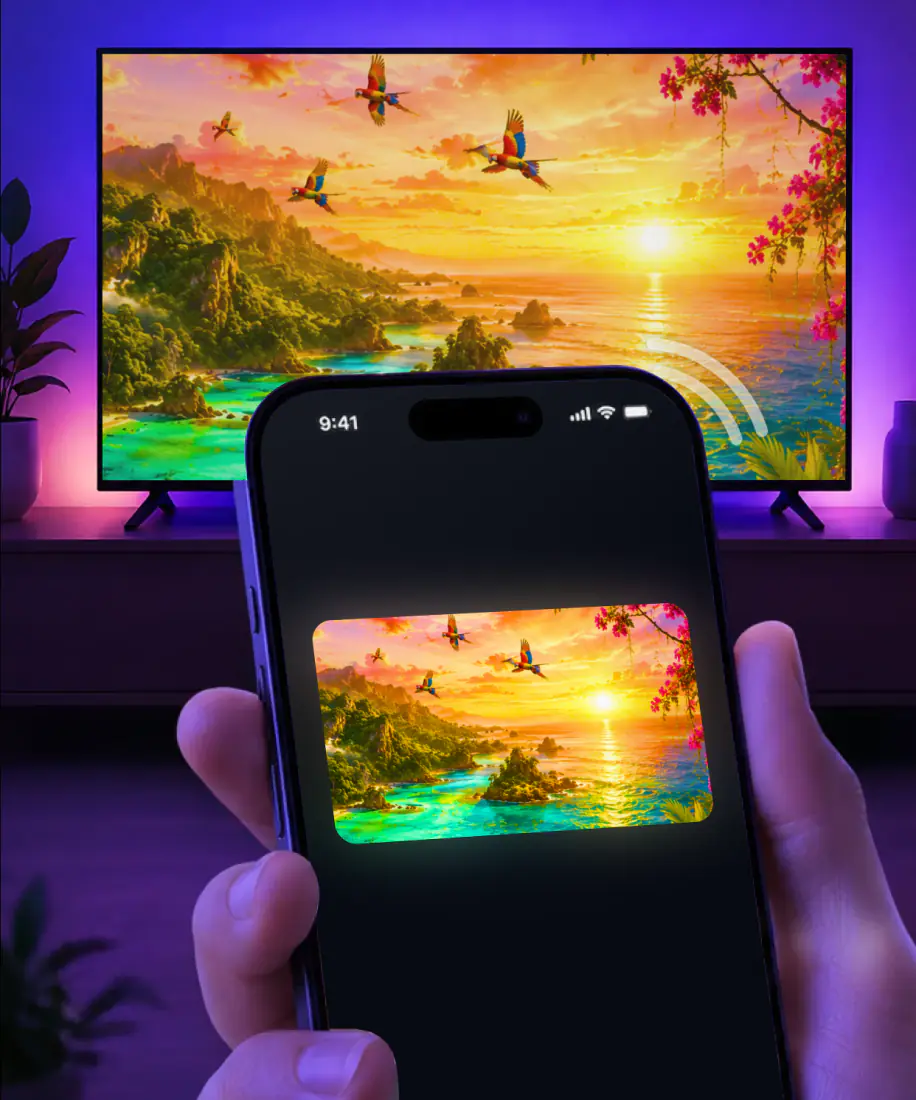
A screen mirroring app puts your iPhone on the TV over Wi-Fi, no AirPlay, cable or code needed: pick the TV once, and the picture is up in about 3 seconds, one tap on every visit after that. It supports Roku, Fire TV, Chromecast, Samsung, LG and other major Smart TVs, even sets without AirPlay. Requires iOS 15 or later.
 4.61
4.61Pick the brand on your TV. The grid below covers sticks and TVs alike. Smart TV screen mirroring works the same on Roku, Fire TV, Chromecast, Samsung, LG and other major Smart TVs, including the sets and sticks that never had AirPlay built in. That is 12 platforms in all: Samsung, LG, Sony, TCL, Hisense, VIZIO, Philips, Roku, Fire TV, Chromecast, Android TV and Apple TV.
Each brand also has a guide of its own. Start from yours: screen mirroring iPhone to Samsung TV, screen mirror on LG TV, screen mirror on Roku, cast to Firestick, Vizio screen mirroring, TCL screen mirroring, Hisense screen mirroring, Sony TV screen mirroring, screen mirror on Philips TV, Sharp TV screen mirroring, screen mirror on Insignia TV and Toshiba screen mirroring.
Here is how to mirror your phone to the TV without a single cable: holiday photos, last night's clip, a browser tab, a deck for the room. Whatever is on the screen goes up at full size.
Yes. Everything on the phone is up there at the same moment, apps, games and home screen included. Share screen with TV once and the room sees whatever you tap after that.
Yes. Send one shot from Saturday to the big screen and keep the rest of the phone to yourself. A single photo makes the quietest screen share on TV there is, with no messages or banners along for the ride.
Yes. A recipe, a match report, a PDF, a photo album in a tab: all of it reads clearly from the couch instead of getting passed around as a handset.
Yes. Keynote, PowerPoint or a PDF fills the screen while you drive the slides from the phone in your hand. One tap to share my phone screen to TV and the room is looking at slide one.
No. Those three switch off their own video before it ever leaves the phone, so the TV gets a black screen from any iOS app and from AirPlay too. Open Netflix on the TV itself and mirror everything else from the phone.
Here is how to mirror phone on tv in full: put both on the same Wi-Fi, and that is the entire requirement. Nothing to pair and nothing to type in.
3seconds, typical
It starts looking the moment it opens. No codes, nothing to pair, nothing to type in.
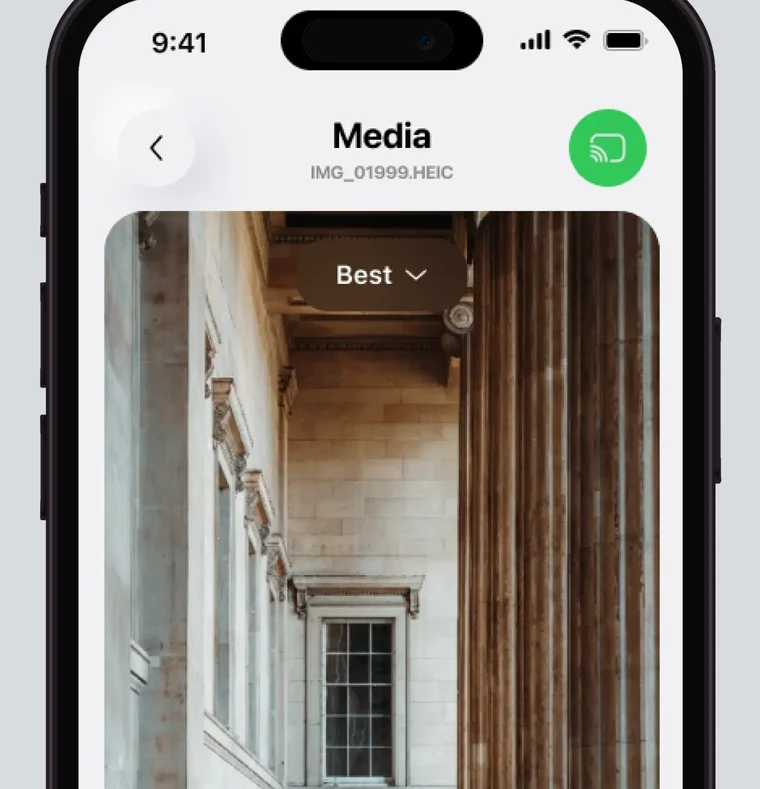
The TVs and sticks on your Wi-Fi are already in the list, so there is nothing to look up and no wondering how. Mirror phone to TV by tapping the name you recognize.
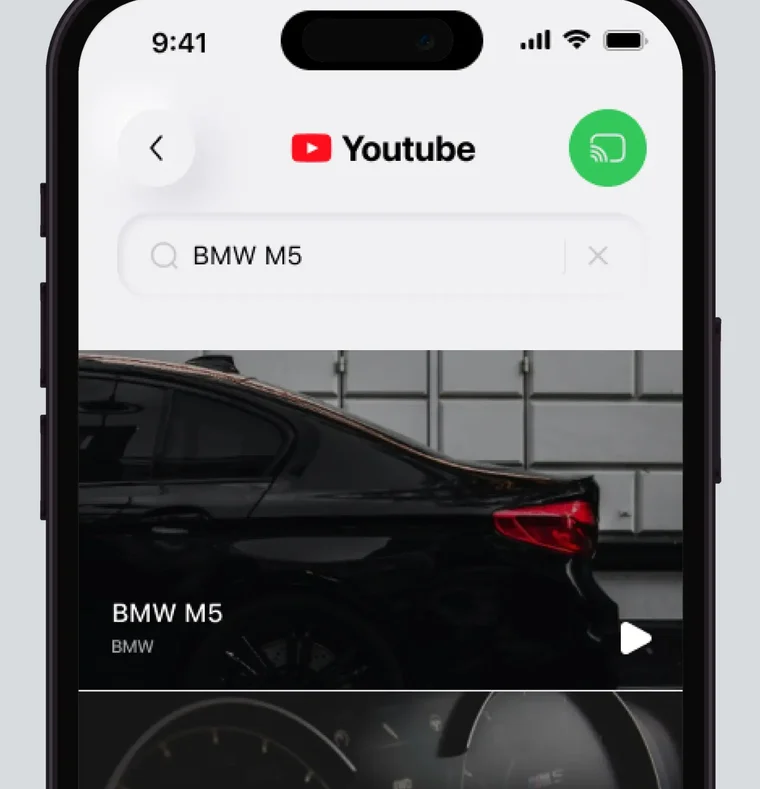
The picture is up in about 3 seconds. Tomorrow it takes one tap to mirror my phone to TV, and there is nothing else to remember.
TV not in the list? See screen mirroring not working. No shared Wi-Fi? Read screen mirror without Wi-Fi and AirPlay without Wi-Fi.
AirPlay works when your TV, your network and Apple all agree. That is a lot of agreement for one evening on the couch.
When AirPlay itself is the part acting up: AirPlay not working, Roku AirPlay not working and AirPlay only playing audio.
Model support confirmed with Apple on AirPlay, Samsung and LG.
Fire TV sticks, Chromecast and most Android TV boxes never got AirPlay, and Samsung and LG only from 2018 on. If your set is older than that, the button you are hunting for is not in there. This app puts the picture up anyway.
AirPlay can show a passcode the first time you connect to a new Apple TV. The app skips that step completely: no codes to read or type, from the first connection onward.
Phone and TV have to sit on the exact same network. A guest Wi-Fi at your parents' place, a second band on the router, or the iPhone's private address setting, and the TV drops off the list halfway through the evening.
AirPlay sends the whole screen, so the message that arrives mid-slideshow lands on the TV in front of everyone in the room. The app can send one photo and leave the rest of the phone private.
AirPlay has no way to send a single picture. It is the entire screen or nothing, so the room watches you scroll the camera roll while you look for the one shot you meant to show.
Apple's iPhone can auto-connect to an AirPlay TV you use often, through its AirPlay and Continuity settings. The app remembers your TV without any setup: pick it once, and next time it is one tap.
Two plans, and both work the same way: pick weekly or yearly and start mirroring tonight, with no ads.
Subscription is billed by Apple inside the app. Full terms. Or start with the screen mirroring app download.
What people write after the picture lands on the first try.
★★★★★
EasyThis was the easiest to screen mirror to a tv
★★★★★
Screen MirroringEasy setup. Awesome app. Ready to roll!!!
★★★★★
Cool appKinda small though but it is cool!
★★★★★
Wish I’d tried this app first.It was so easy. I have spent several hours trying to airdrop my phone to my LG ThinQ tv. This took less than 1 minute and only a couple or three clicks!
★★★★★
Great worksGreat works on lg tv other apps wont connect
★★★★★
WowThis was the easiest and best app I’ve used this for extremely excited recommend to anyone
★★★★★
SatisfiedWorkedLike a champ very satisfied can’t wait to start using Screen Mirroring.
★★★★★
MirrorWow !!! This is the easiest app for mirroring from my iPhone to my television I have ever used. No joke! I strongly recommend this app and I promise I am not getting paid for this review, you won’t be disappointed.
★★★★★
Easy to do appWow I’m shocked at how simple this was. I had down loaded the app a few days ago but didn’t have time to complete the process. This morning I finally had the time and with just a few taps I was connected and watching the movie playing on my phone mirrored to my tv. Thanks. DRG
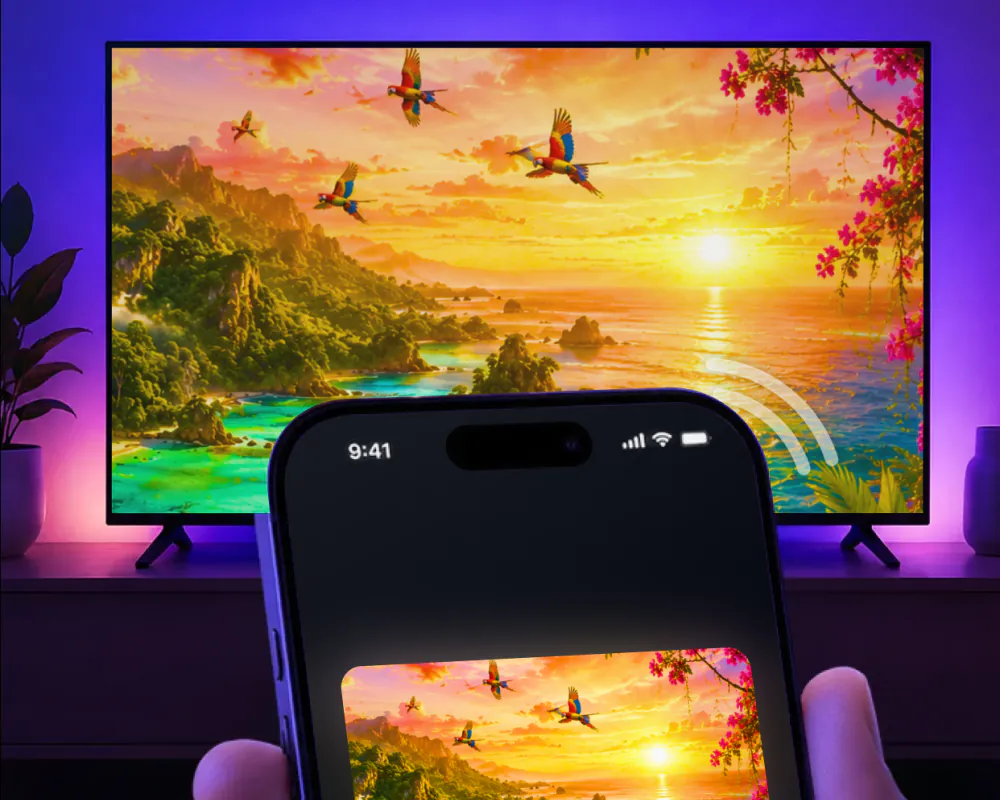
Keep the phone and the TV on the same Wi-Fi, open the app and tap the set by name. The picture is up with sound, and nothing gets paired or typed in first. Anyone at home asking how to mirror a phone to a TV gets the same answer: one tap.
Not by the same method, but the app closes the gap. It supports Roku, Fire TV, Chromecast, Samsung, LG and other major Smart TVs, including televisions that never had AirPlay built in. The picture goes up the same way no matter the brand in the room.
Open the app on the iPhone and tap the set. Most TVs sold before 2018 have no AirPlay receiver built in, and AirPlay itself has no other way onto that screen. The app reaches those televisions over the same Wi-Fi, which is why a 2016 Samsung or a Fire TV stick shows the phone exactly the way a brand new set does.
Every method, every brand and every thing that goes wrong, written out.
Start with the ways to connect iPhone to TV. When the evening is over: turn off AirPlay or turn off screen mirroring.
Put tonight on the TV
Tell us which set is in the room and the next screen walks through mirroring for that exact model.